Reports
Margin, Sales by category and Modifier sales: what each report shows, the dates it covers, and which roles see it. Margin shows cost, so only someone who may see costs opens it.
Checked against the product on 16 October 2026
Three reports sit under Commerce in the back office, beside the products they report on. Margin says what each period and each product actually earned after cost. Sales by category says how many units each product category sold and what the till took for them. Modifier sales says how often each option was chosen and what it brought in. Each one covers a range of days you pick, and none of them can be changed: they read what was sold.
Who sees each report
A report appears in the menu only for someone whose role allows it, and the server refuses it to anyone else. With the roles Otura sets up for a new business:
| Report | Permission it needs | Default roles that have it |
|---|---|---|
| Margin | View product costs | Super Admin, Admin |
| Sales by category | View daily summary | Super Admin, Admin, Supervisor |
| Modifier sales | View dashboard (and the modifiers module turned on) | Super Admin, Admin, Supervisor |
Margin
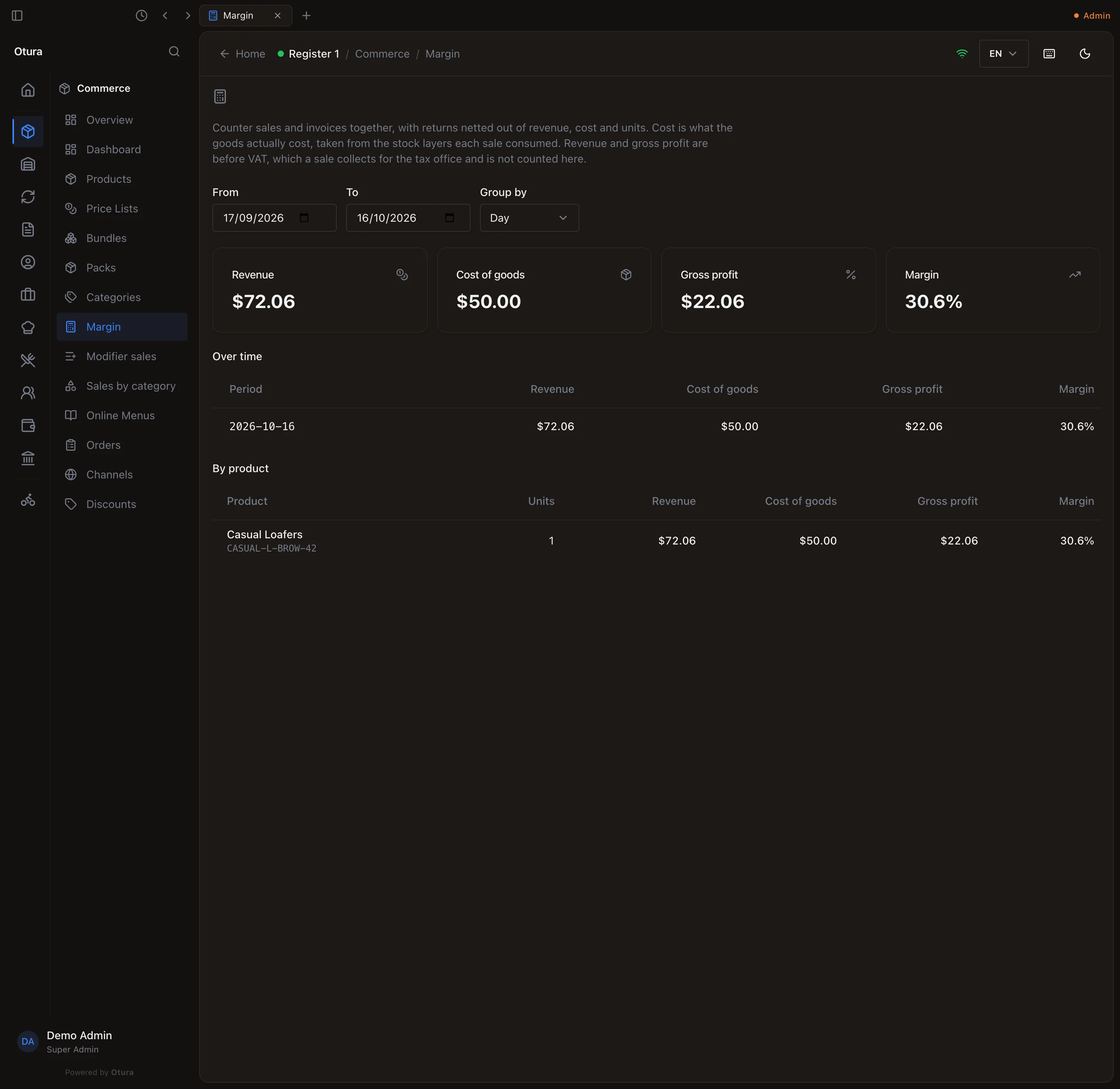
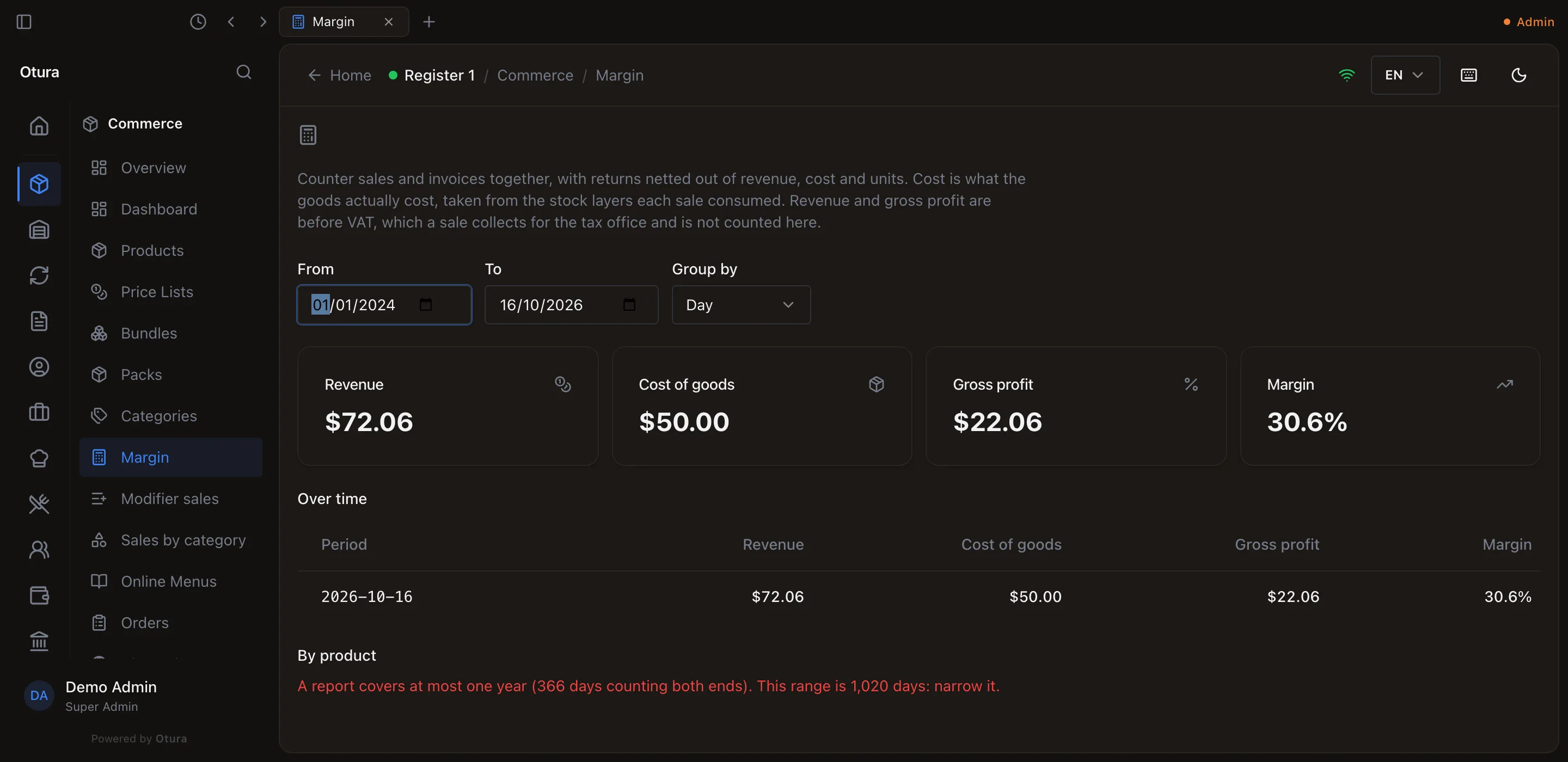
CommerceMargin. Pick the From and To days (the last 30 days when you open it) and how to Group by: Day, Week or Month. The four totals at the top are the whole range: Revenue, Cost of goods, Gross profit and Margin. Below them the report answers two questions:
- Over time: one row per period, with Revenue, Cost of goods, Gross profit and Margin.
- By product: the products ranked by gross profit, with their Units.
Counter sales and invoices to business customers are counted together, and returns are taken out of revenue, cost and units. Cost is what the goods actually cost, from the stock each sale used. Revenue and gross profit are before VAT: the VAT a sale collects belongs to the tax office.
Sales by category
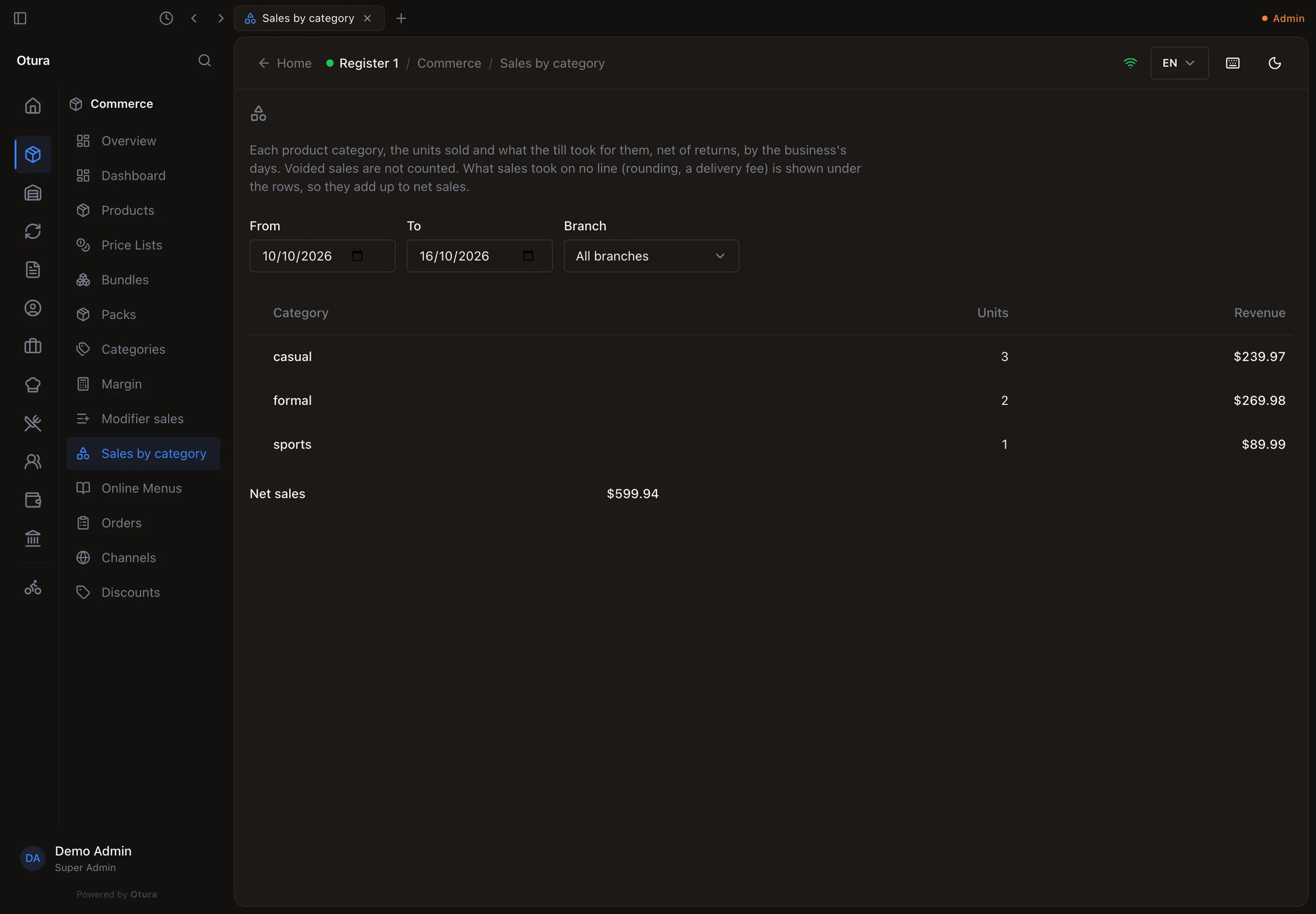
CommerceSales by category. Each product category, the Units sold and the Revenue the till took for them, over the days you pick (the last 7 days when you open it). Choose a Branch, or All branches.
- Returns are taken out, and voided sales are not counted. Days are your business's days.
- Products with no category are listed together as No category.
- When sales took something that is on no product line, such as cash rounding or a delivery fee, it is shown under the rows as Not on a line (rounding, delivery fee), so the rows add up to Net sales.
- It reads the same figures as the Categories section of the end-of-day report, so the two agree.
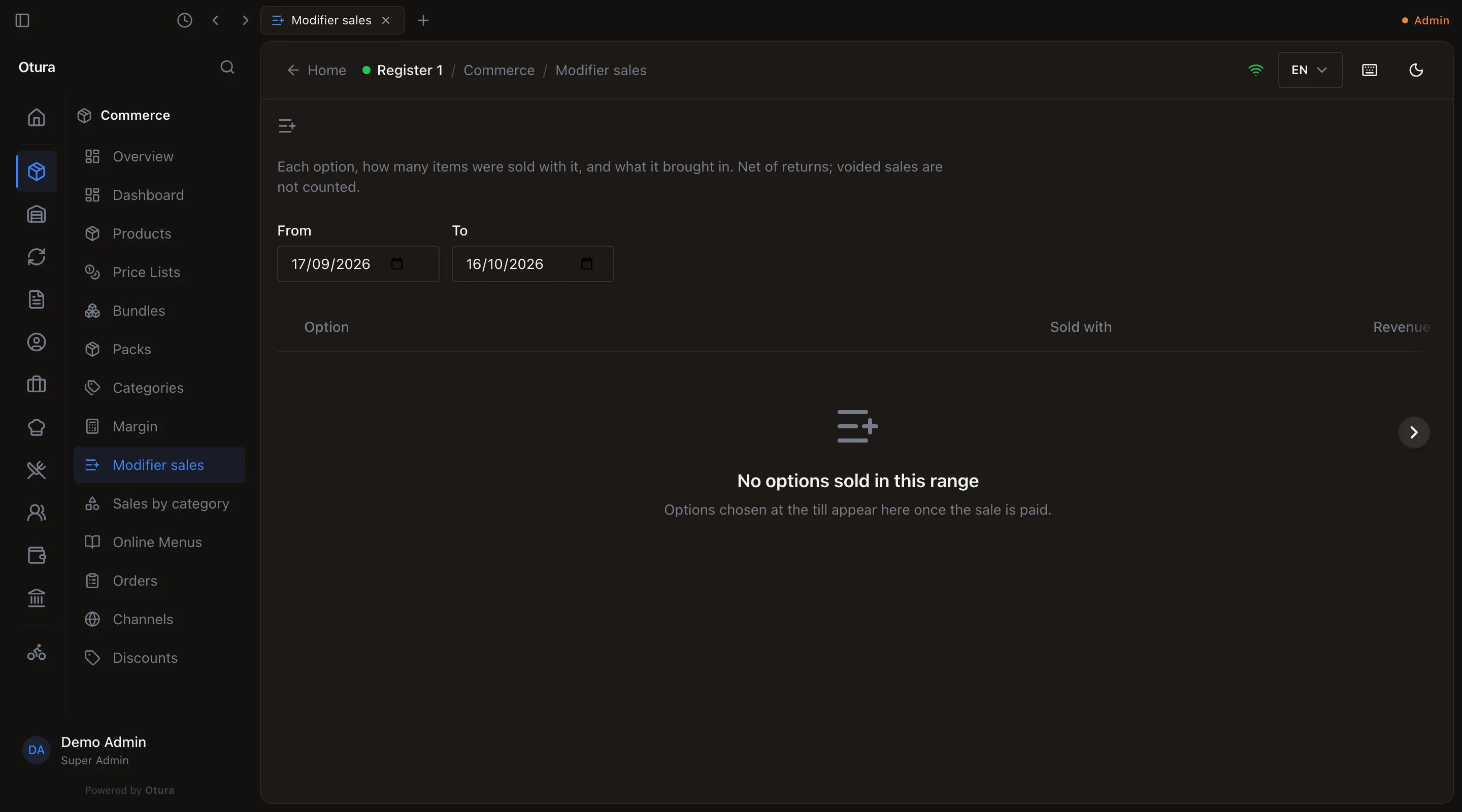
Modifier sales
CommerceModifier sales, when your business uses modifiers (see Modifiers). Each Option, how many items it was Sold with, and the Revenue it brought in, over the days you pick (the last 30 days when you open it). Returns are taken out and voided sales are not counted. An option appears once the sale it was chosen on is paid.