Languages, and Otura in Arabic
Choosing English, Arabic or French for yourself, how the whole app turns right-to-left in Arabic, the language a till shows before anyone signs in, and light and dark themes.
Checked against the product on 21 October 2026
Otura speaks English, Arabic and French. Each person chooses their own language, and it follows them to every till and computer they sign in on: a cashier who works in Arabic sees Arabic, and the owner on the same till after them sees their own.
Choosing your language
Open the language menu, EN at the top of every back-office page or SettingsPreferences › Language, and choose English, العربية or Français. The app changes at once; no sign-out is needed.
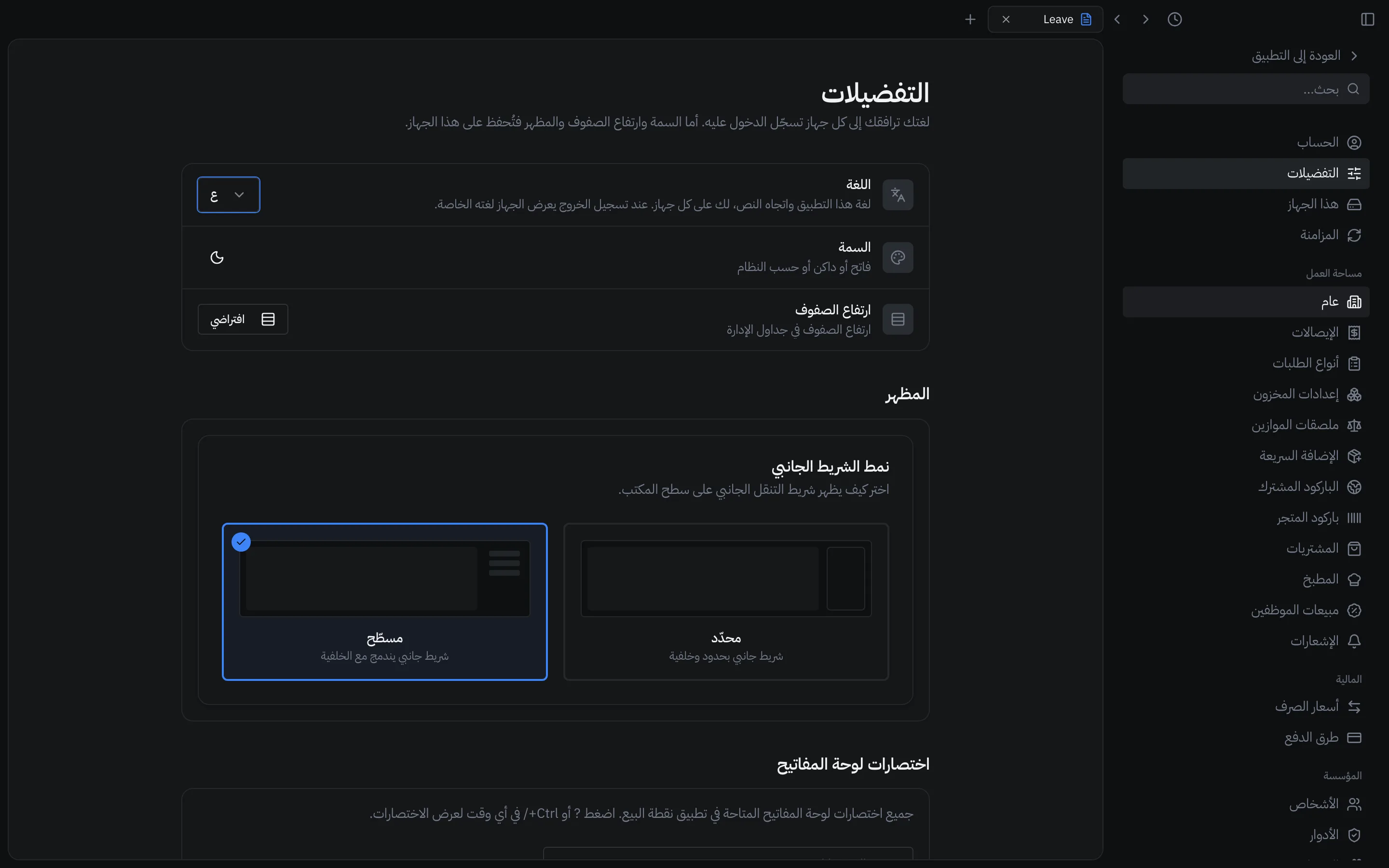
Arabic: right to left
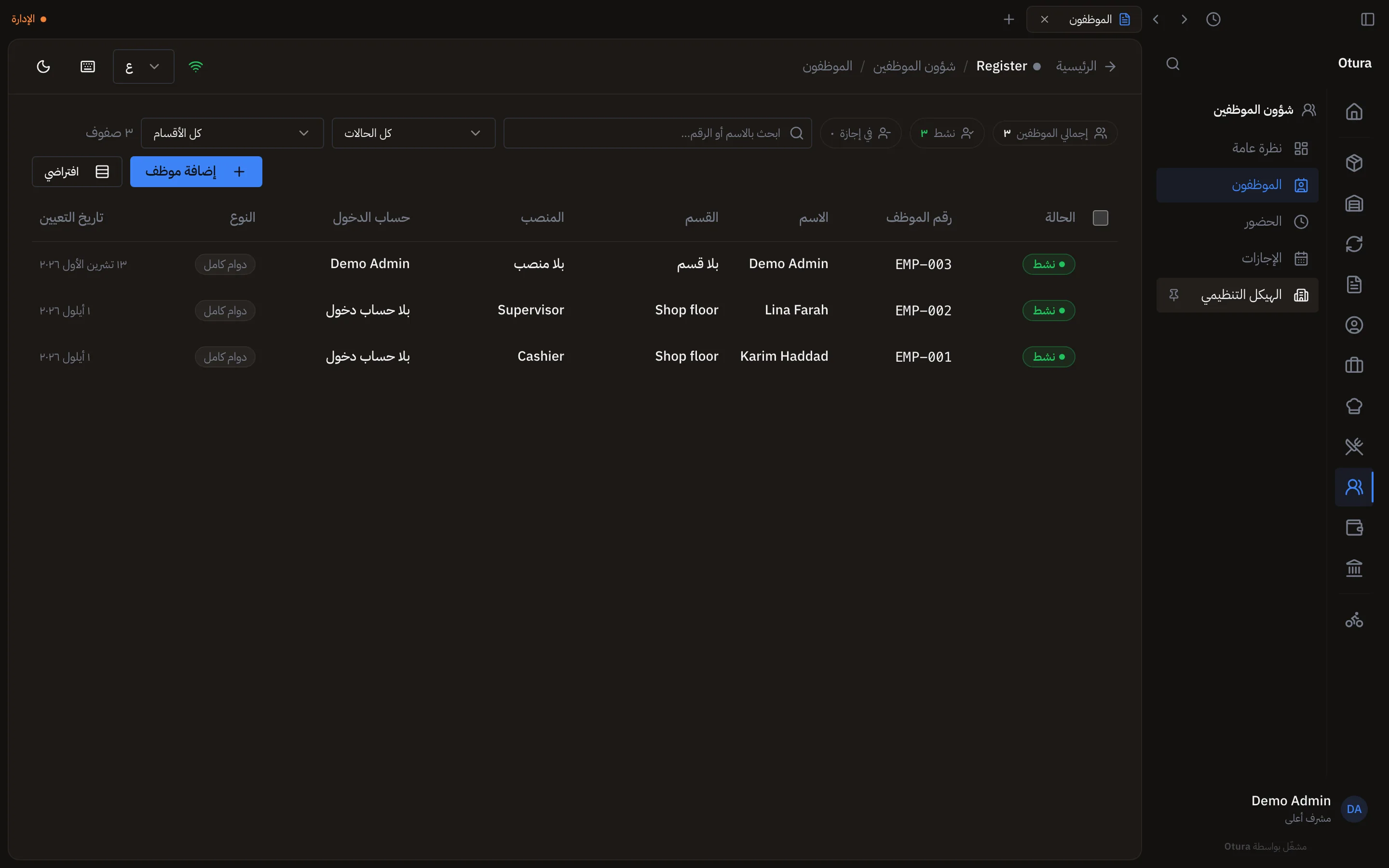
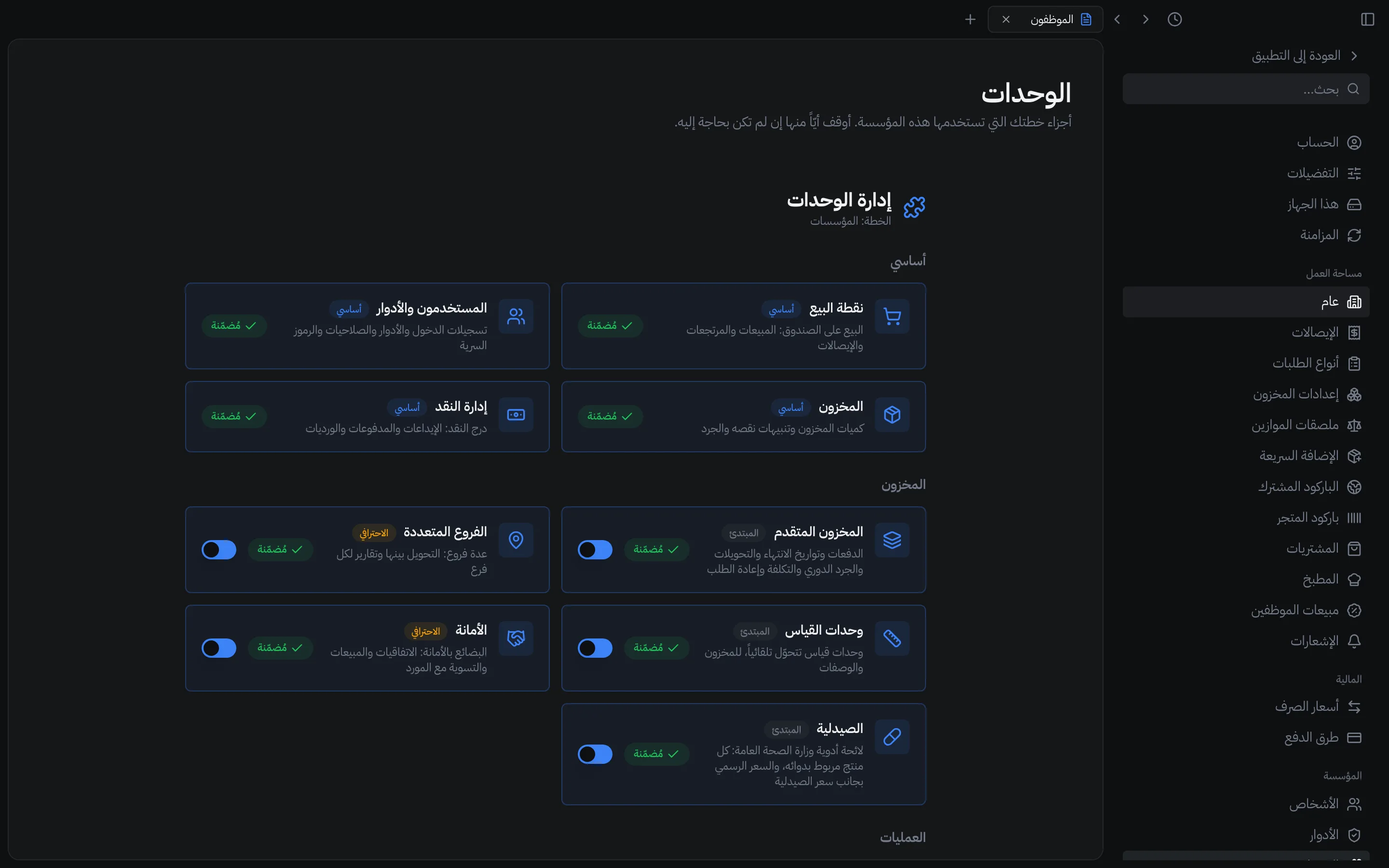
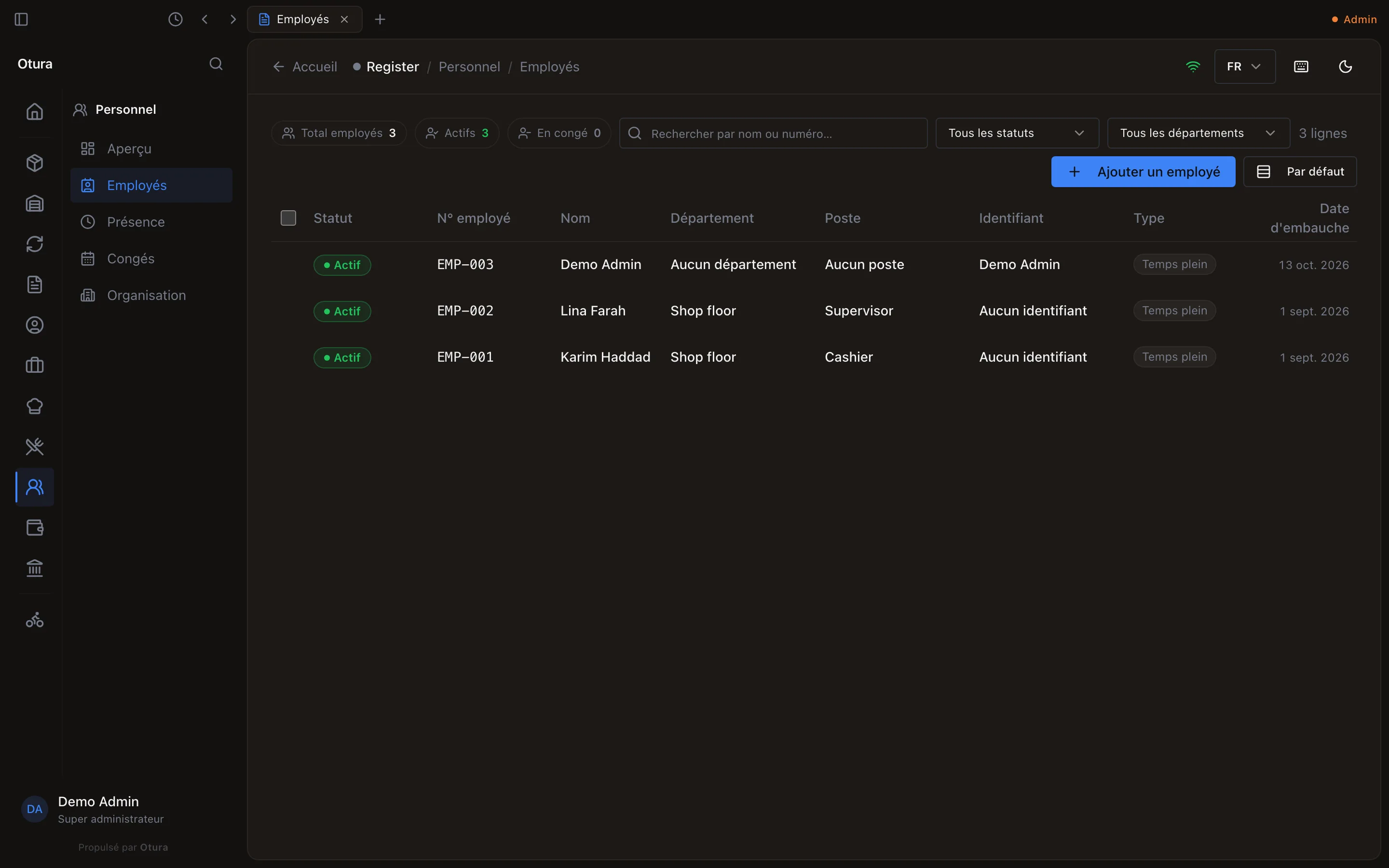
In Arabic the whole app turns right-to-left: the sidebar moves to the right, tables read from the right, arrows point the other way, and the dialogs mirror. Dates and counts are written in Arabic digits. Product, customer and staff names show as they were typed, so a product named only in English shows in English; module names, role names, country names in phone fields, business types and payslip lines are translated. A product, category or modifier option that was given a name in Arabic or French shows it on the till's sale screen in that language (see The sale screen); the kitchen has a language of its own (see Sending orders to the kitchen).
The language a till shows before anyone signs in
The sign-in screen has its own language picker. It sets the language of that till, shown until someone signs in and then again after they sign out. See Signing in at a till, and PINs.
Light and dark
The moon or sun at the top of every page switches between dark and light; Theme in SettingsPreferences also offers following the computer's own setting. Theme, Row height and Appearance are kept on that computer, not with you.