Finding a page: the command palette
Press Ctrl+K (⌘K on a Mac) and type what you are looking for: any page, setting, product, customer or order, in your own language.
Checked against the product on 13 October 2026
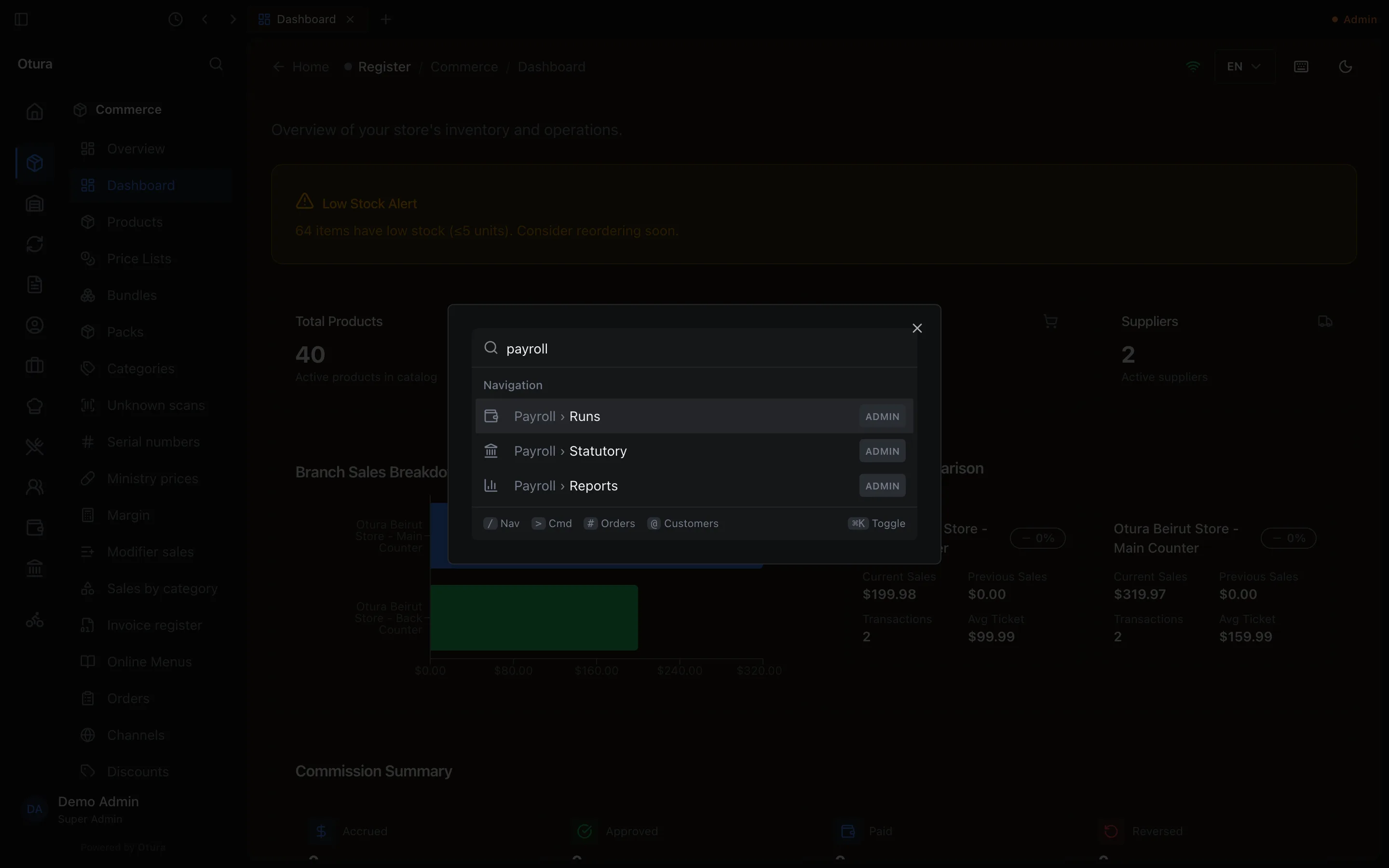
Press Ctrl+K (⌘K on a Mac), or click the magnifying glass at the top of the sidebar, and type. The list keeps only what contains every word you typed: payroll lists Payroll › Runs, Payroll › Statutory and Payroll › Reports; payroll runs lists just the one. Use the arrow keys and press Enter to open it.
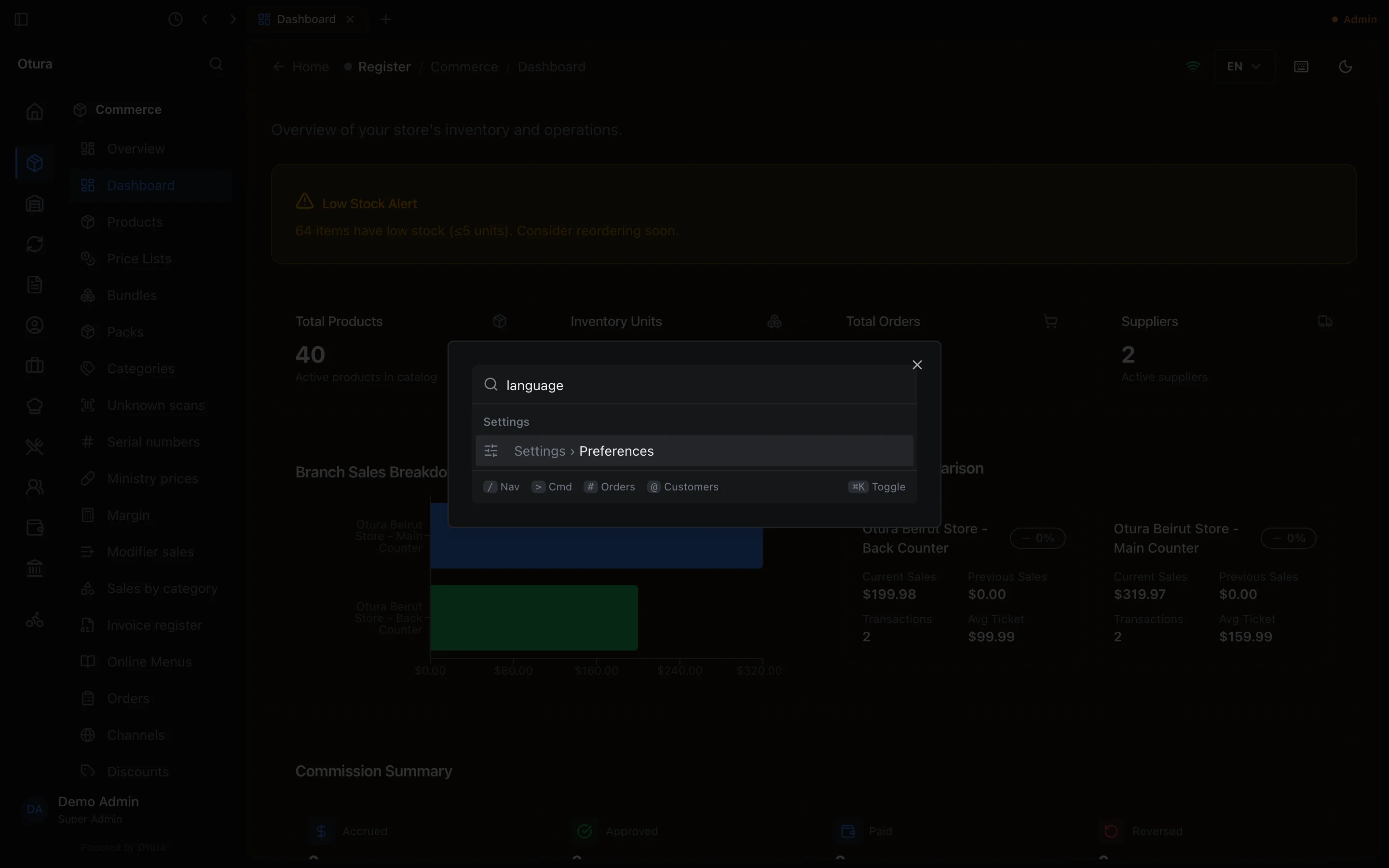
- Settings are found by what is on them: language or theme finds Settings › Preferences, pin or password finds Settings › Account, printer finds Settings › This device.
- Type two letters or more to search products, customers and orders too.
- Start with / for pages only, > for actions only, # for an order and @ for a customer.
- Pages are found by the name you see, in your language; Arabic matches whichever way the hamza or ta marbuta is typed, and French without accents.
- Only the pages you may open are listed.